Creating a home workspace that is both relaxing and productive can significantly improve your work-from-home experience. Whether you’re tackling deadlines or attending virtual meetings, a well-designed environment helps reduce stress and maintain focus. Here are some helpful tips to transform your home office into a comfortable, productive haven.
Choose the Right Location
Selecting the best spot for your workspace is the foundation of creating a relaxing environment.
– Quiet and Private: Find a space away from high-traffic areas to minimize distractions.
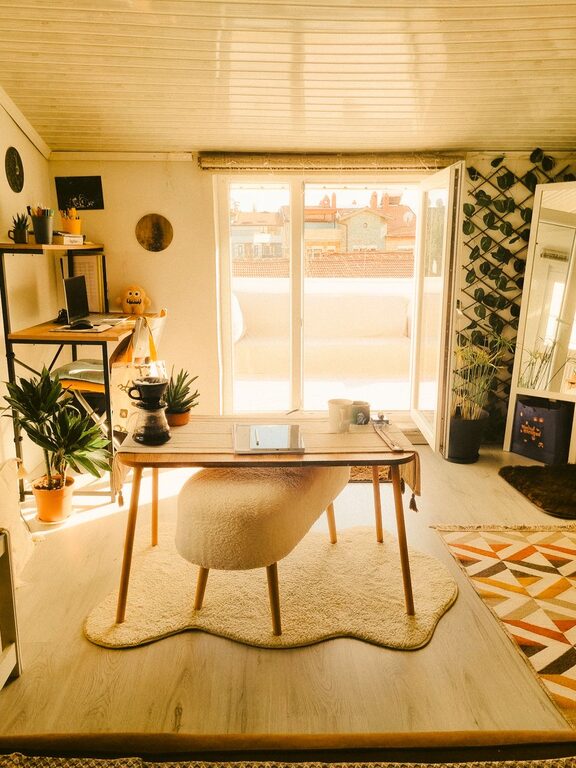
– Natural Light: Position your desk near a window if possible, as natural light can boost mood and energy.
– Adequate Space: Ensure there is enough room for your computer, documents, and other essentials without feeling cramped.
Invest in Comfortable Furniture
Comfort is key to preventing fatigue and maintaining productivity.
– Ergonomic Chair: Choose a chair that supports good posture and offers adjustable height and lumbar support.
– Desk Height: Your desk should allow your elbows to rest at about a 90-degree angle when typing.
– Additional Seating: If space permits, include a cozy chair for reading or brainstorming sessions.
Organize for Efficiency and Calm
A tidy and organized workspace helps your mind stay clear and focused.
– Declutter Regularly: Remove items that aren’t immediately needed.
– Storage Solutions: Use shelves, drawers, or bins to keep supplies organized.
– Cable Management: Use clips or cable covers to keep cords out of the way and prevent visual clutter.
Incorporate Calming Elements
Adding soothing elements can reduce stress and create a relaxed atmosphere.
– Colors: Soft, neutral tones or calming shades like light blue or green promote tranquility.
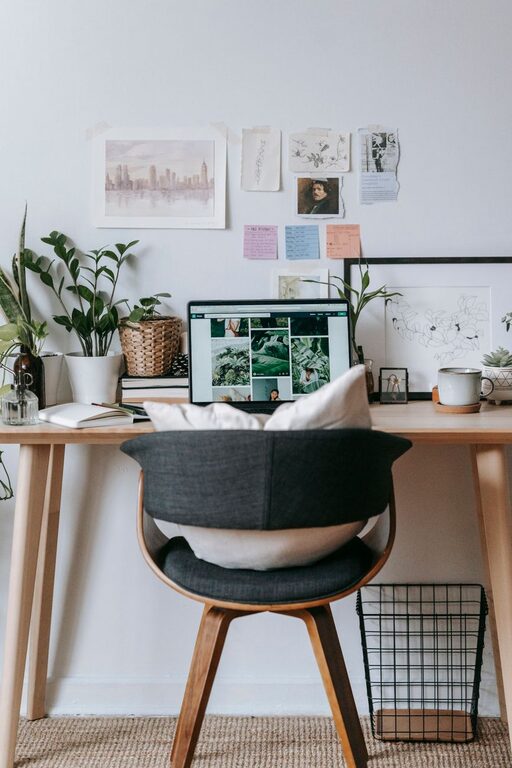
– Plants: Indoor plants improve air quality and add a touch of nature.
– Aromatherapy: Use subtle scents like lavender or eucalyptus to boost relaxation without distracting.
Optimize Lighting
Lighting affects both comfort and energy levels throughout the day.
– Task Lighting: A desk lamp with adjustable brightness ensures you have enough light for focused work.
– Avoid Glare: Position screens and lights to prevent glare on your monitor.
– Ambient Lighting: Soft overhead or floor lamps create a warm, inviting atmosphere.
Personalize Your Space
Adding personal touches can increase your emotional connection to the workspace.
– Inspirational Items: Photos, quotes, or artwork that motivate you.
– Comfort Items: A cozy blanket, a small cushion, or a favorite mug can make the space feel inviting.
– Minimal Distractions: Keep personalized items to a moderate amount to avoid clutter.
Set Boundaries and Routine
A relaxing workspace also depends on how you use it.
– Defined Work Hours: Set specific work times and let others in your home know those boundaries.
– Breaks and Movement: Schedule breaks to stand, stretch, or take a short walk to maintain comfort.
– End-of-Day Ritual: Develop a routine to shut down your workspace at the end of your workday to create balance.
Utilize Technology Wisely
The right tech setup can increase productivity without adding stress.
– Quality Equipment: Invest in a reliable computer, headset, and internet connection.
– Noise-Cancelling Headphones: These help minimize background noise and enhance focus.
– Apps and Tools: Use productivity apps, timers, or task managers to stay organized.
—
Creating a relaxing home workspace doesn’t require a complete overhaul. By focusing on comfort, organization, and personal well-being, you can develop a space that supports both your work and your peace of mind. Try implementing these tips gradually and adjust based on what feels best for your unique style and needs.