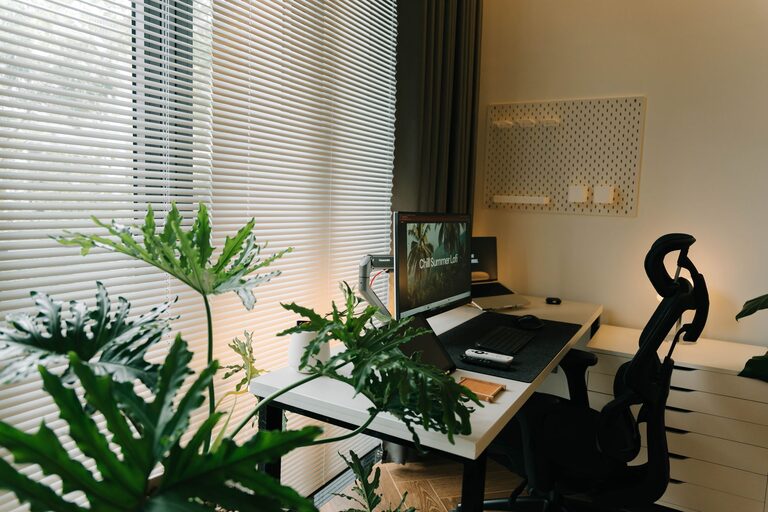
Creating a productive home office environment is essential for anyone who works remotely or spends significant time working from home. The right space can enhance your focus, reduce stress, and help you maintain a healthy work-life balance. Whether you have a dedicated office or a small corner in your living room, there are practical ways to design your workspace to maximize productivity.
Choose the Right Location
Consider Natural Light
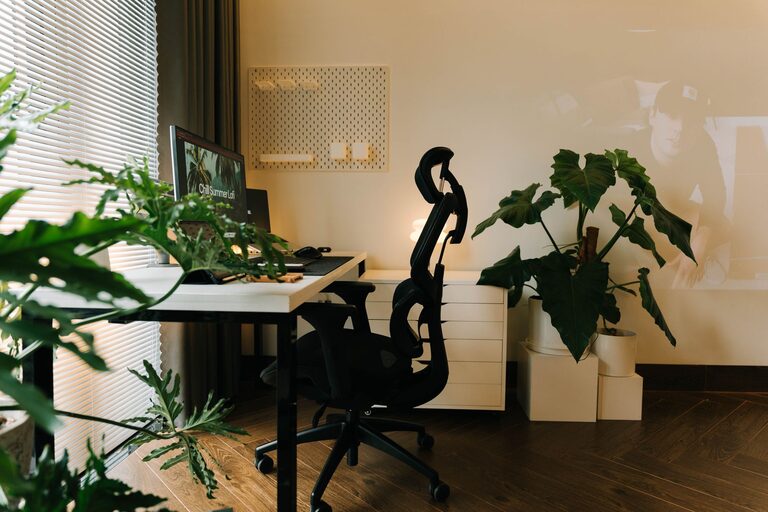
Select a spot with plenty of natural light if possible. Sunlight not only brightens the room but also helps regulate your mood and energy levels. Position your desk near a window to take advantage of daylight.
Minimize Distractions
Look for a quiet area away from high-traffic zones, TV noise, or household chores. If space is limited, use room dividers or noise-canceling headphones to create a focused environment.
Invest in Comfortable, Ergonomic Furniture
Select a Supportive Chair
An ergonomic chair that supports your lower back is crucial. Avoid soft couches or stools that can cause discomfort during long work sessions.
Choose a Suitable Desk
Your desk height should allow your arms to rest comfortably with elbows at about a 90-degree angle. Adjustable desks can be helpful if you want to alternate between sitting and standing.
Organize Your Workspace Efficiently
Declutter Regularly
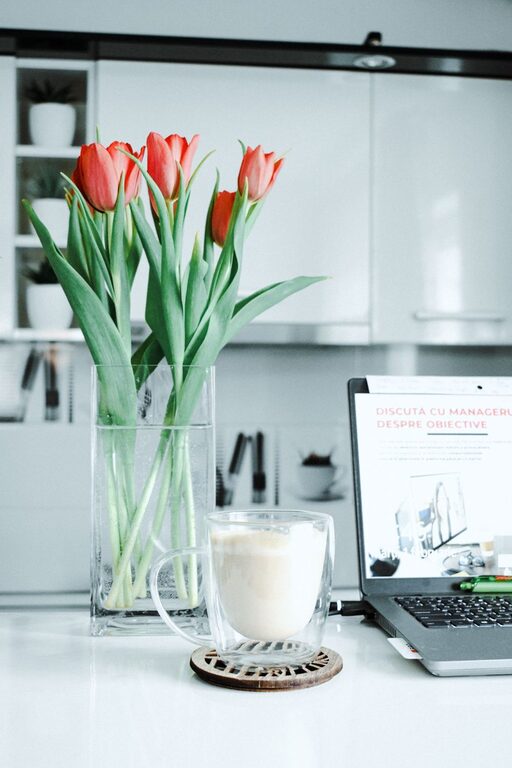
Keep only essential items on your desk. A clutter-free space reduces stress and helps clear your mind.
Use Storage Solutions
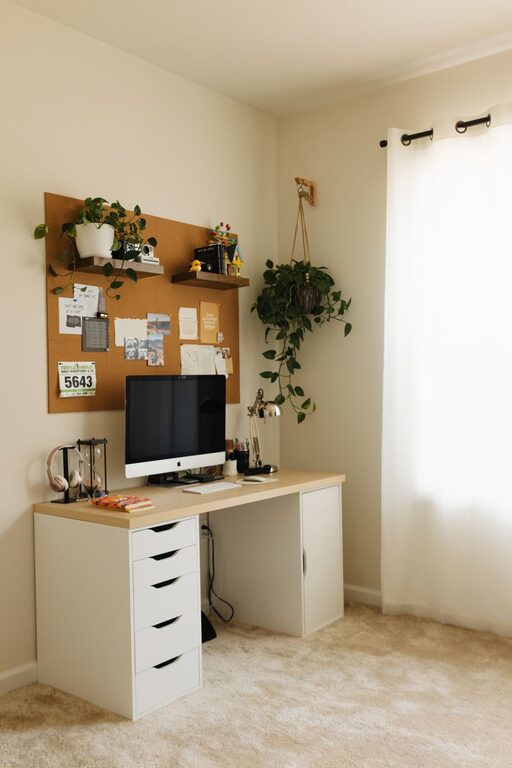
Shelves, drawers, and containers can organize documents and supplies efficiently. Labeling storage boxes or folders helps you find things quickly without creating mess.
Optimize Lighting and Reduce Eye Strain
Use Task Lighting
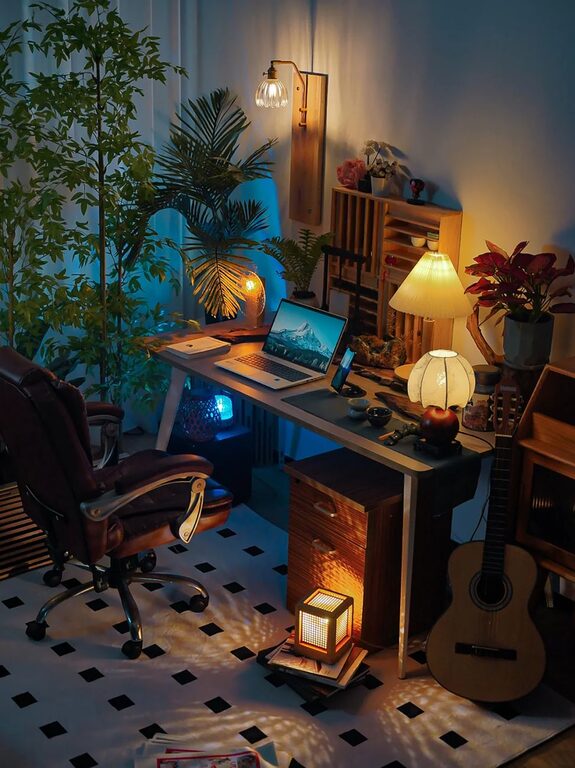
A desk lamp with adjustable brightness is great for focused tasks. Ensure the light source doesn’t create glare on your screen.
Adjust Screen Settings
Make sure your computer screen is positioned at eye level and slightly below your line of sight. Adjust brightness and contrast to comfortable levels.
Maintain Regular Breaks and Movement
Follow the 20-20-20 Rule
Every 20 minutes, look at something 20 feet away for 20 seconds to reduce eye strain.
Incorporate Stretching or Short Walks
Stand up and stretch or take brief walks around the room to re-energize and avoid stiffness.
Personalize Your Workspace Thoughtfully
Add Inspiring Elements
Include a few personal items like plants, photos, or artwork that motivate but don’t distract.
Choose Calming Colors
Colors like soft blues, greens, or neutrals help create a peaceful atmosphere conducive to concentration.
Manage Technology Wisely
Use Reliable Equipment
A steady internet connection, quality headset, and a keyboard or mouse that you find comfortable make a big difference.
Limit Notifications
Turn off non-essential alerts to minimize interruptions during focused work sessions.
Establish Boundaries and Routine
Set Specific Work Hours
Define your working schedule and communicate it to family members or housemates to respect your focus time.
Create a Start and End Ritual
Simple routines like tidying your desk at the end of the day or making a to-do list in the morning can signal the beginning and end of your work period.
—
Designing a productive home office environment combines practical organization, ergonomic comfort, and mindful habits. By making intentional choices about your workspace setup, you can create a supportive area that helps you stay focused, energized, and successful in your work-from-home journey.
About the Author