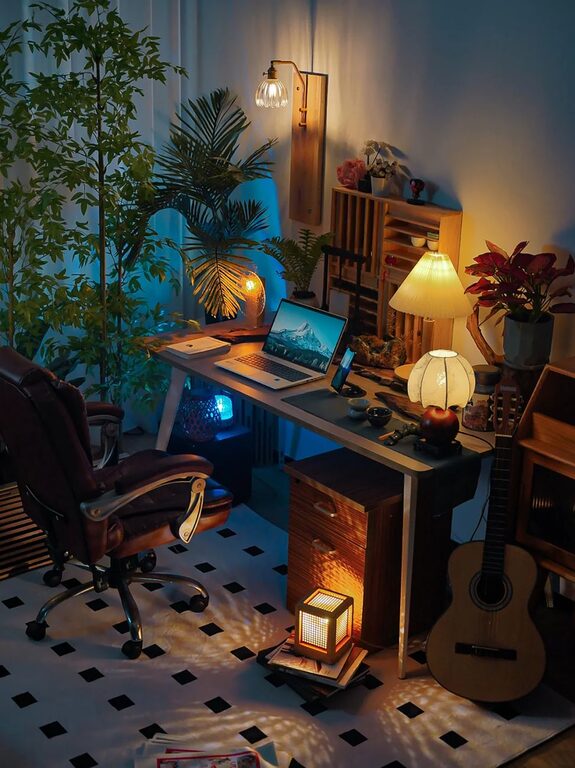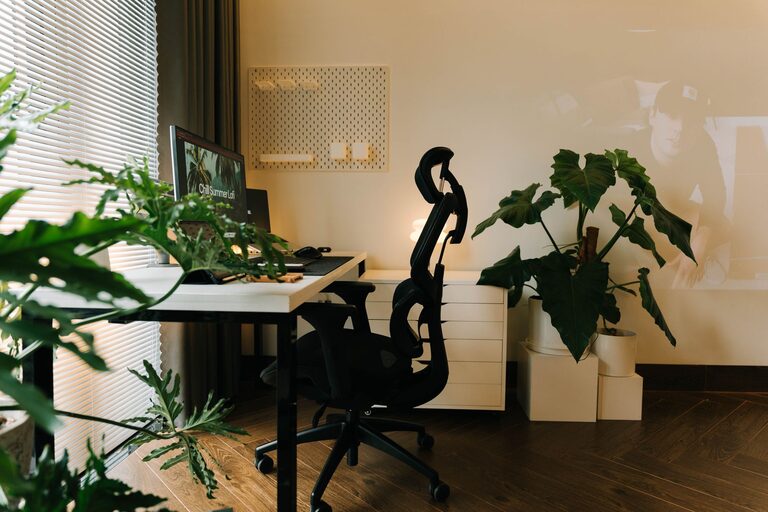
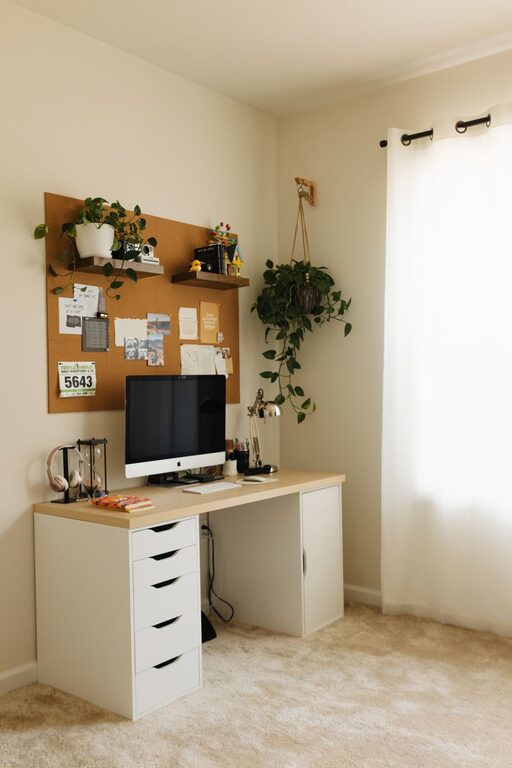
Creating a cozy and functional home workspace can transform your daily work routine. Whether you work remotely full-time or just need a dedicated spot to handle tasks, a well-designed space boosts productivity and comfort. Here are practical tips to help you set up an inviting home office that meets your needs.
Choose the Right Location
Finding the ideal spot for your workspace is the first step. Consider these factors:
– Natural Light: Aim for a space near a window. Natural light improves mood and reduces eye strain.
– Quiet Environment: Select a low-traffic area to minimize distractions.
– Space Availability: Ensure there’s enough room for your desk, chair, and storage.
Invest in Comfortable Seating
Your chair is one of the most important parts of your workspace. Look for:
– Ergonomic Design: Supports good posture and reduces back pain.
– Adjustability: Height and backrest adjustments allow perfect customization.
– Padding: Comfortable cushioning helps when sitting for long periods.
Organize with Purpose
Clutter can kill creativity and focus. Use these organization tips:
– Desk Organizers: Trays, pen holders, and small containers keep essentials in place.
– Shelves and Cabinets: Store books, files, and supplies out of sight but within reach.
– Cable Management: Use clips or sleeves to keep cords tidy and prevent tangling.
Personalize Your Space
Personal touches make your workspace enjoyable and inspiring:
– Plants: Small potted plants bring life and improve air quality.
– Artwork: Choose calming or motivating prints to decorate walls.
– Lighting: Aside from natural light, add a warm desk lamp for evening work.
Optimize Technology Setup
Technology is vital for efficiency. Consider:
– Reliable Equipment: Invest in a quality computer, keyboard, and mouse.
– Display Position: Place monitors at eye level to avoid neck strain.
– Headphones: Noise-canceling headphones can improve concentration when needed.
Maintain a Clean and Tidy Area
A clean space promotes clarity and well-being:
– Daily Reset: Spend a few minutes at the end of each day organizing.
– Regular Cleaning: Dust surfaces and vacuum to keep the area fresh.
– Waste Bin: Keep a small trash can nearby for convenience.
Incorporate Ergonomic Accessories
Enhance comfort and productivity with ergonomic tools:
– Keyboard Tray: Helps maintain a neutral wrist position.
– Footrest: Supports your feet and encourages better posture.
– Monitor Stand: Raises the screen to the correct height.
Create Zones if Space Allows
If your workspace is larger, design different zones:
– Work Zone: Desk and computer for focused tasks.
– Creative Zone: Space for brainstorming, sketching, or other activities.
– Relaxation Zone: A comfy chair or small sofa for breaks.
Set Boundaries for Work-Life Balance
Having a clear distinction between work and personal life is important:
– Defined Workspace: Use a room or corner exclusively for work.
– Routine: Start and end work at specific times to avoid burnout.
– Signage: Consider a small sign or gesture to signal when you are busy.
—
Creating a cozy and functional home workspace isn’t just about aesthetics—it’s about enhancing your ability to work efficiently and comfortably. By thoughtfully selecting your location, furniture, and accessories, you’ll build a space where productivity and relaxation coexist harmoniously. Take your time designing your workspace, and enjoy the benefits that come with a well-planned environment.
About the Author